
Android 17 Is Here — And It's Packed With Features Worth Exploring
Google has officially rolled out Android 17, and if you're rocking a Google Pixel phone, you can start exploring the update right now. This release isn't just a routine maintenance drop — it's a genuinely exciting upgrade that brings a fresh set of tools designed to elevate your everyday smartphone experience. From creative camera enhancements to productivity-boosting features, Android 17 gives users plenty of reasons to dive in and start experimenting. Whether you're a casual user who loves taking selfies or a content creator who relies on your phone for polished video production, there's something in this update for you.
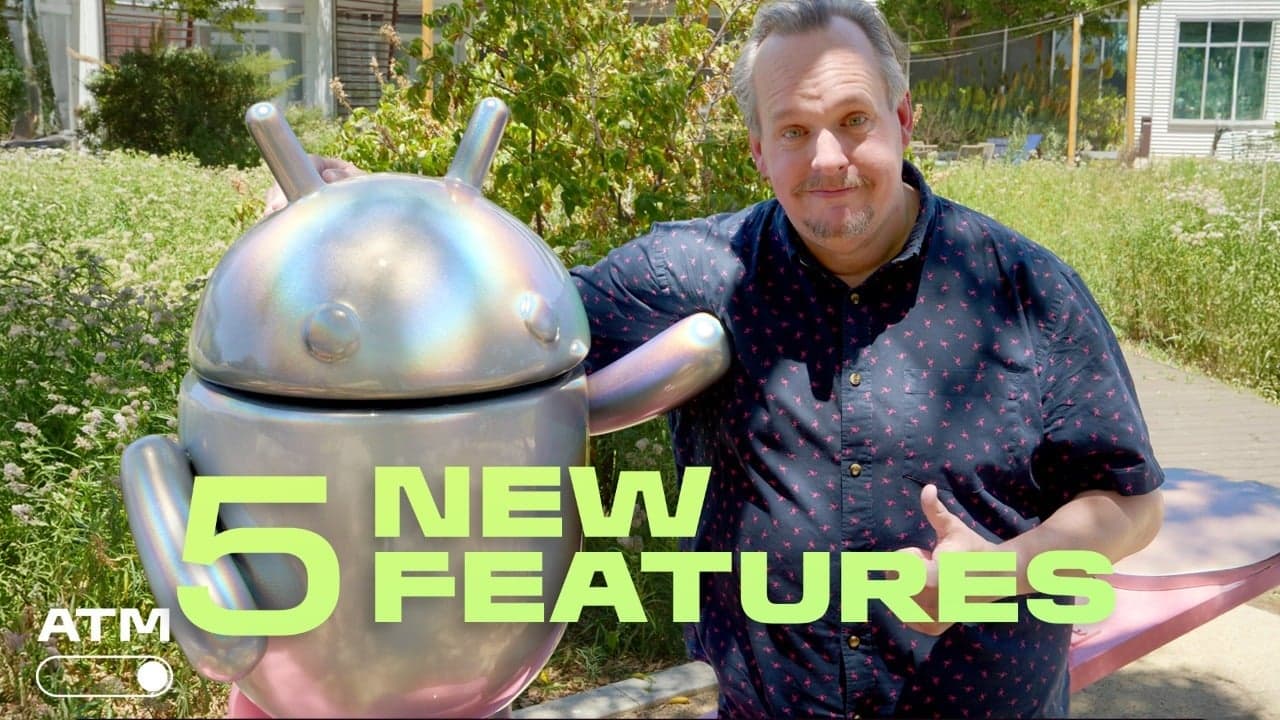
So, where should you start? We've rounded up the five Android 17 features you should try as soon as possible. These aren't buried deep in settings menus — they're front and center, ready to change how you use your phone every single day.
1. The Green-Screen Selfie Tool
One of the most talked-about additions in Android 17 is the brand-new green-screen selfie tool. If you've ever wished you could transport yourself to a different background without hauling out professional filming equipment, this feature is a dream come true. The tool uses your phone's camera and built-in software to isolate your subject — you — and layer a custom background behind you in real time.
What makes this especially impressive is how seamlessly it integrates into the native camera experience. You don't need a third-party app or a physical green screen setup. Android 17 handles the background removal intelligently, using on-device processing to keep edges looking clean and natural even as you move around. Whether you want to look like you're presenting from a sleek studio or a scenic mountaintop, the green-screen selfie tool makes it straightforward and fun.
Content creators and social media enthusiasts will find this particularly useful for producing quick, professional-looking videos directly from their Pixel device. It opens up a whole new range of creative possibilities without adding complexity to your workflow.
2. Pause Point: A Smarter Way to Capture Video
Video recording on smartphones has always had one persistent frustration: you hit record, capture a great moment, and then accidentally keep rolling for far too long. Android 17's new Pause Point tool addresses exactly this problem in a clever way. Instead of stopping and restarting your recording manually, Pause Point lets you set a specific moment in your footage where recording will automatically pause, giving you cleaner, more intentional clips without the need to edit out dead footage afterward.
This is a feature that sounds simple on the surface but has a profound impact on your video-making process. Think about recording a speech, a sports highlight, or a quick tutorial — Pause Point lets you define natural breaks in the action ahead of time, so your final recording is more polished before it even hits your gallery. It's the kind of thoughtful, user-focused addition that makes Android 17 feel like a meaningful upgrade rather than a cosmetic refresh.
For anyone who shoots a lot of video content on the go, Pause Point is well worth the few minutes it takes to explore and understand. Once you've used it, going back to manual stop-start recording will feel clunky by comparison.
3. Enhanced Photo and Video Tools for Instagram
Instagram integration has taken a notable step forward in Android 17. Google has worked to bring a range of photo and video improvements specifically optimized for sharing to Instagram, acknowledging the reality that billions of people use their phones primarily as content creation devices destined for social media.
These enhancements include improved export quality settings, better color calibration for Instagram's display format, and faster sharing pipelines that reduce the friction between capturing a moment and posting it. If you've ever been frustrated by the way Instagram compresses your carefully shot photos into something that looks noticeably worse than the original, Android 17's improvements are aimed squarely at reducing that degradation.
Beyond quality improvements, the tighter integration means you can move content from your camera or gallery to Instagram more smoothly than before. It's a quality-of-life improvement that reflects how central social media has become to the smartphone experience.
4. Smarter Adaptive Battery and Performance Management
Android 17 also brings meaningful improvements to how your phone manages battery life and performance under the hood. The updated Adaptive Battery system is smarter than ever, learning your usage habits more accurately over time and making more precise decisions about which apps deserve background processing power and which ones can wait. The result is a device that feels snappier when you need it and more efficient when you don't.
For Pixel users who have sometimes struggled with battery longevity toward the end of the day, this is a welcome refinement. While the gains may be subtle at first, over the course of a week of use, many users will notice their phone holding a charge more reliably through demanding days.
5. Refreshed Notification and Customization Controls
Finally, Android 17 introduces a refreshed approach to notification management and home screen customization. Notification summaries powered by on-device AI are now more accurate and better at grouping relevant alerts, so your lock screen stays cleaner and easier to parse at a glance. Meanwhile, new customization options for your home screen give you finer control over layouts, icon sizes, and widget behavior.
These changes might seem less flashy than the green-screen selfie tool or Pause Point, but they make a real difference in daily usability. A well-organized notification panel and a home screen that reflects your personal preferences are the foundations of a great smartphone experience, and Android 17 gets both right.
How to Get Android 17 on Your Pixel Right Now
If you have a compatible Google Pixel device, updating to Android 17 is straightforward. Head to Settings, tap System, then System Update, and check for the latest version. Google typically stages rollouts over several days, so if it isn't available immediately, check back within a day or two. Once installed, head straight to the Camera app and Settings to start exploring these new features for yourself.
Android 17 is one of the more feature-rich updates Google has delivered in recent memory. Whether you're drawn in by the creative camera tools, the Instagram improvements, or the smarter performance management, there's no shortage of reasons to start exploring it today.