
Why People Are Looking for a NotebookLM Alternative
Google's NotebookLM has quickly become one of the most beloved AI-powered research tools on the internet. It lets you upload documents, PDFs, YouTube links, and other sources, then chat with an AI that references only your provided materials. The result is a focused, grounded assistant that feels miles ahead of generic chatbots for research, studying, and summarization tasks. If you haven't tried it yet, it's genuinely impressive.
But there's a catch that's becoming harder for many users to ignore: NotebookLM is a Google product. That means every document you upload, every query you type, and every notebook you create is processed on Google's servers and potentially used to improve their AI models. For researchers handling sensitive data, business professionals working with confidential documents, or simply privacy-conscious individuals, that's a dealbreaker. And that's exactly why so many people are searching for a trustworthy, capable open-source NotebookLM alternative in 2025.
Introducing Open Notebook: The Open-Source NotebookLM Clone
Enter Open Notebook — an open-source project that functions as a near-identical replica of NotebookLM's core feature set. For anyone who has used NotebookLM before, the interface and workflow will feel immediately familiar. You can upload sources, ask questions grounded in those sources, and receive cited, contextual answers — all without sending a single byte of your data to Google.
What makes Open Notebook stand out from the dozens of other "NotebookLM alternatives" floating around the web is how closely it mirrors the original experience. Most tools in this space offer a partial solution: maybe they do document Q&A, but they lack multi-source handling; maybe they're private, but they're clunky to use. Open Notebook bridges that gap by delivering a genuinely polished, functional experience that doesn't feel like a compromise.
Key Features of Open Notebook
Open Notebook is built to replicate the most useful parts of NotebookLM while giving users full control over their data and infrastructure. Here's what you can expect when you start using it:
- Multi-source document support: Just like NotebookLM, you can upload multiple documents, PDFs, and text files to serve as the knowledge base for your AI assistant. The tool answers questions by referencing only what you've uploaded, reducing hallucinations significantly compared to general-purpose LLMs.
- Source-grounded responses: Every answer the AI provides is tied to the source material you've provided. This makes it exceptionally useful for academic research, legal document review, and any workflow where accuracy and citation matter.
- Self-hosted deployment: Because Open Notebook is open-source, you can run it entirely on your own hardware or a private cloud server. Your data never leaves your environment, making it fully compliant with even the strictest privacy requirements.
- Model flexibility: Open Notebook doesn't lock you into a single AI model. You can connect it to a variety of large language models, including locally hosted ones via tools like Ollama, giving you both privacy and model customization options that NotebookLM simply doesn't offer.
- Active open-source community: As an open-source project, Open Notebook is continuously improved by contributors. Bug fixes, new features, and integrations are regularly pushed by a growing community of developers who care about private AI tooling.
How Does Open Notebook Compare to NotebookLM?
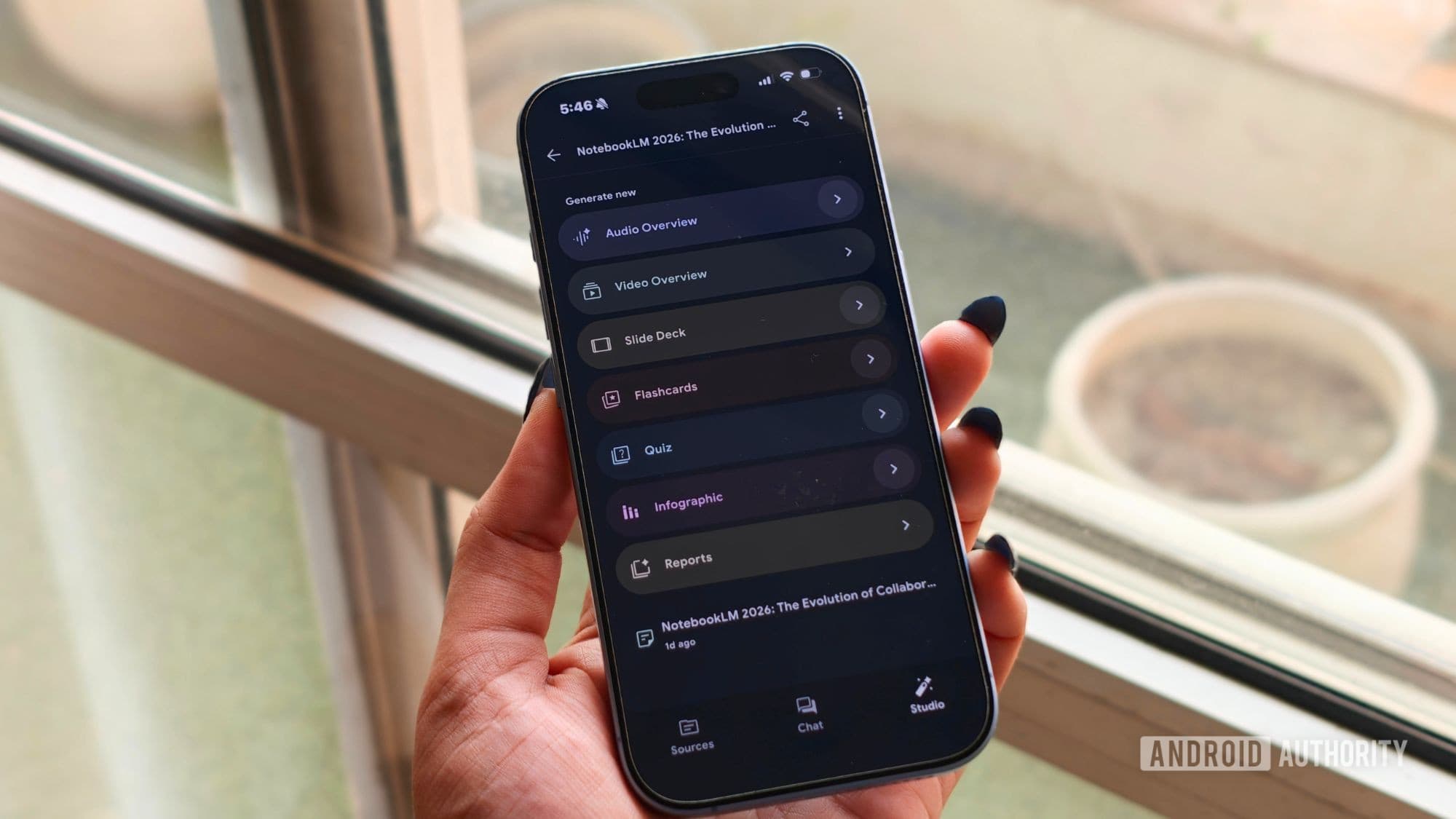
To be fair, NotebookLM still holds the edge in a few areas. Google has invested heavily in making NotebookLM a seamless, polished product. Features like Audio Overviews — where NotebookLM generates a podcast-style discussion of your uploaded sources — remain difficult to replicate at the open-source level. Google Drive integration and the overall speed of the hosted product also benefit from Google's massive infrastructure.
However, Open Notebook comes remarkably close on the features that matter most for everyday research and document analysis. If your primary use case is asking questions about documents, summarizing content, extracting key insights, and getting cited responses, Open Notebook delivers all of that without asking you to hand over your data in return. For most power users, that trade-off is more than worth it.
It's also worth noting that the setup process for Open Notebook does require a bit more technical comfort than simply logging into NotebookLM with a Google account. You'll need to be comfortable with running a local server or configuring a cloud deployment. That said, documentation for the project is solid, and the barrier to entry is far lower than it once was for self-hosted AI tools.
Who Should Use an Open-Source NotebookLM Alternative?
Open Notebook is an ideal solution for a specific type of user, and it's worth identifying whether you're in that group before making the switch. You'll benefit most from Open Notebook if you fall into one of the following categories:
- Researchers or academics working with unpublished data, sensitive survey results, or proprietary findings that shouldn't leave a controlled environment.
- Legal and compliance professionals who need to analyze contracts, case files, or regulatory documents without third-party cloud exposure.
- Business teams handling internal reports, product roadmaps, or competitive intelligence that must remain confidential.
- Privacy advocates who simply don't want their reading habits, interests, or intellectual work fed into a corporate AI training pipeline.
- Developers and tinkerers who want to customize their AI research tool beyond what any closed-source product will ever allow.
Getting Started With Open Notebook
If you've decided that a private, open-source NotebookLM alternative is what you need, getting started with Open Notebook is relatively straightforward. The project is available on GitHub, where you'll find installation instructions for both local and server deployments. The most common setup involves Docker, which simplifies the installation process significantly even for users who aren't deeply technical.
Once you're up and running, the experience is intuitive. Create a notebook, add your sources, and start chatting with your documents. The interface echoes NotebookLM closely enough that there's virtually no learning curve if you've used Google's tool before.
The Bottom Line: Your Data, Your Rules
NotebookLM remains one of the best AI tools ever created for research and document analysis. But for a growing number of users, the data privacy implications of Google's ecosystem are simply too significant to overlook. Open Notebook proves that you don't have to choose between powerful AI-assisted research and keeping your information private. It is arguably the closest any open-source project has come to matching what NotebookLM offers, and for privacy-first users, it may already be the better tool. If you love what NotebookLM does but hate where your data goes, Open Notebook is the answer you've been waiting for.