
The Google Pixel 10's Most Impressive Camera Feature Is Also Its Most Confusing
The Google Pixel 10 Pro XL has been turning heads since its release, and for good reason. It packs some of the most advanced computational photography tools ever placed inside a smartphone. Among all the AI-driven features baked into its camera system, one stands out as simultaneously the most impressive and the most perplexing: Auto Best Take. Even after nearly 10 months of daily use, many long-term users — including seasoned tech reviewers — admit they're still not entirely sure how to feel about it. That tension between amazement and confusion is worth unpacking in detail.
What Is Auto Best Take on the Pixel 10?
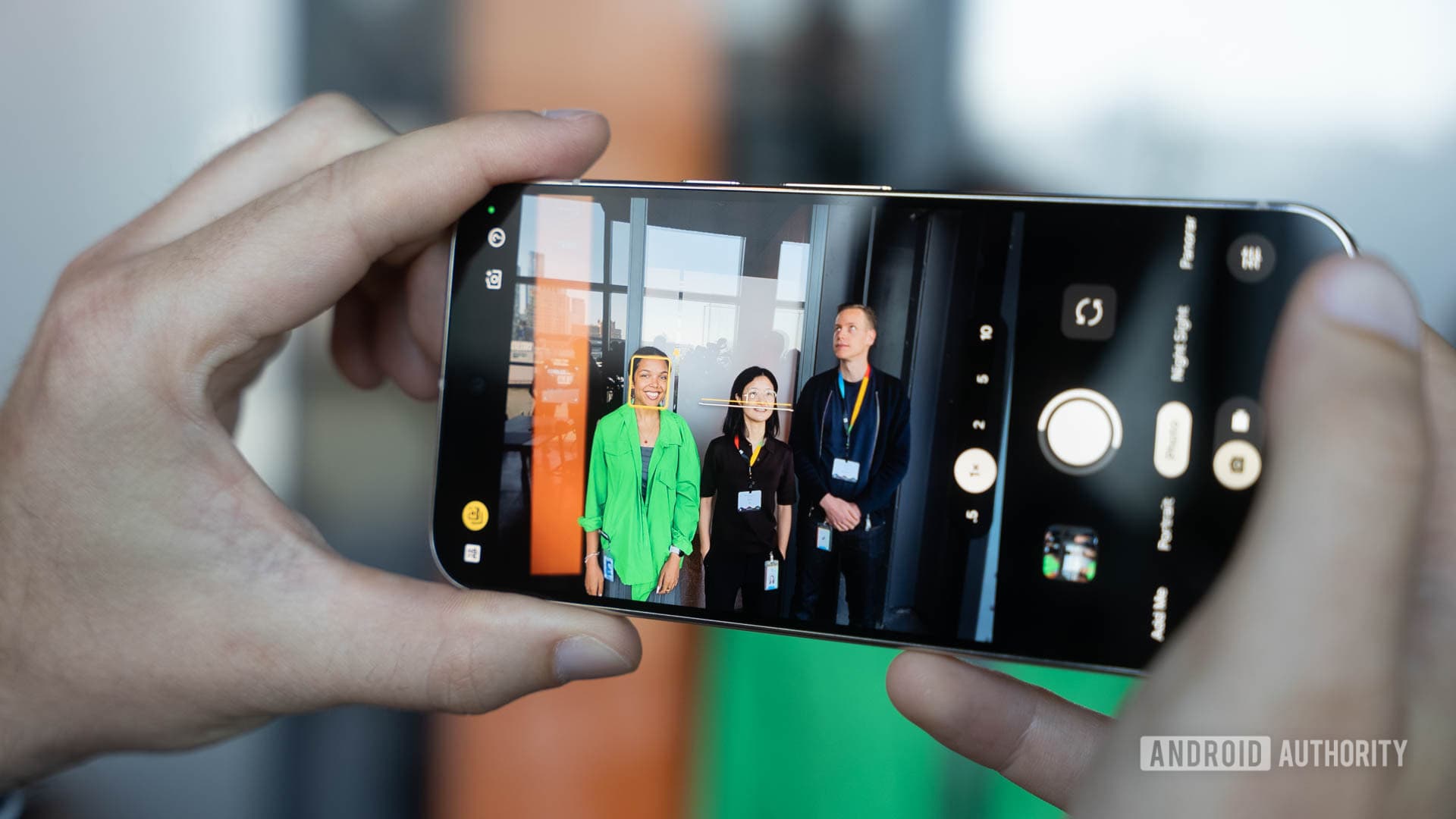
Auto Best Take is an AI-powered camera feature available on the Google Pixel 10 series. At its core, the feature is designed to solve one of the most universal problems in group photography: someone always blinks, looks away, or pulls a strange face right when the shutter clicks. Best Take tackles this by capturing multiple frames in rapid succession when you take a photo, then using Google's on-device AI to analyze each person's expression and posture in every frame. The result is a composite image where everyone looks their best — at least in theory.
The "Auto" part of the name is what makes the Pixel 10's version particularly interesting. Rather than requiring the user to manually open the editing interface and swap out faces one by one, the phone can now automatically apply the best version of each person's expression before you've even had the chance to review the gallery. It's a subtle but significant shift from a manual editing tool to a fully automated AI process.
Why It's So Hard to Wrap Your Head Around
Here's where the confusion begins. When a feature works automatically in the background, it raises a fundamental question: what exactly am I looking at when I open my gallery? Is the photo I'm seeing the real moment, or is it an AI-constructed composite of several different moments? For many photographers — even casual ones — this distinction matters deeply.
The Pixel 10's Auto Best Take doesn't always make it obvious that it has done anything at all. You take a shot, you open your gallery, and the photo looks great. But is it because the moment itself was perfect, or because Google's AI silently stitched together the best parts of multiple frames? Without a clear visual indicator or notification system that's easy to spot, many users find themselves second-guessing their own photos.
This creates a strange psychological effect. The photos often look undeniably better — fewer awkward expressions, fewer closed eyes, fewer slouching postures. But there's a lingering uncertainty about authenticity that can make the experience feel slightly off for those who care about capturing a genuine, unaltered moment in time.
When Auto Best Take Actually Shines
Despite the philosophical questions it raises, there are plenty of situations where Auto Best Take delivers results that are hard to argue with. Consider these common scenarios:
- Family gatherings and large group shots: Getting ten people to all smile naturally and simultaneously is nearly impossible. Auto Best Take dramatically increases the odds of walking away with a keeper.
- Photos with young children: Kids are notoriously difficult to photograph. They blink, turn their heads, and make unpredictable expressions constantly. The feature is almost tailor-made for this use case.
- Candid moments that need a little polish: Sometimes a genuinely lovely moment is captured just a fraction of a second off. Auto Best Take can smooth over those near-misses without requiring any manual effort.
- Travel photography with strangers: When you ask a passerby to take your photo and have only one shot at it, having AI quietly optimize the result is a genuine quality-of-life improvement.
The Authenticity Debate
The broader conversation that Auto Best Take sparks is one that the entire smartphone photography industry is grappling with right now. At what point does computational enhancement cross the line from helpful tool to distortion of reality? Google isn't alone in navigating these waters — Samsung, Apple, and other manufacturers all apply layers of AI processing to smartphone images. But the Pixel 10's Auto Best Take is perhaps the most visible and direct example of AI actively recomposing a photo after the fact.
It's worth noting that Auto Best Take only swaps faces or expressions from frames taken within the same burst sequence. It isn't generating new faces from scratch or pulling images from a separate library. Everything in the final composite was present, in some form, at the moment you pressed the shutter button. Whether that distinction is enough to keep the photo "real" is a question each user will have to answer for themselves.
How to Get the Most Out of This Feature
If you're a Pixel 10 owner who wants to lean into Auto Best Take rather than feel confused by it, a few tips can help you make the most of what the technology offers.
- Take a burst rather than a single shot: The feature works best when it has more frames to choose from. Hold the shutter button slightly longer when photographing groups.
- Check the edit history: In Google Photos, you can often see whether an image has been automatically processed and revert to an earlier version if you prefer the original.
- Use it intentionally: Rather than letting it run silently in the background all the time, consider toggling it on when you know you're in a group-photo situation and off when you're shooting solo subjects or artistic scenes.
- Trust the process for casual shots: For everyday family photos and social snapshots, the improvement in hit rate is genuinely significant. Embrace the assist.
The Bottom Line on Pixel 10's Auto Best Take
After nearly 10 months with the Google Pixel 10 Pro XL as a daily driver, Auto Best Take remains one of those features that defies easy categorization. It works remarkably well in practice. It solves a real and longstanding problem in mobile photography. And yet it introduces new questions about what it means to take a photo in the age of AI. The best way to think about it may be to treat it less like a camera and more like a very intelligent assistant — one that's quietly helping you capture the version of a moment you actually wanted, even if the moment itself didn't cooperate perfectly. That's either the future of photography or a philosophical minefield, depending on your perspective. Either way, it's one of the most genuinely interesting features on any smartphone available today.