
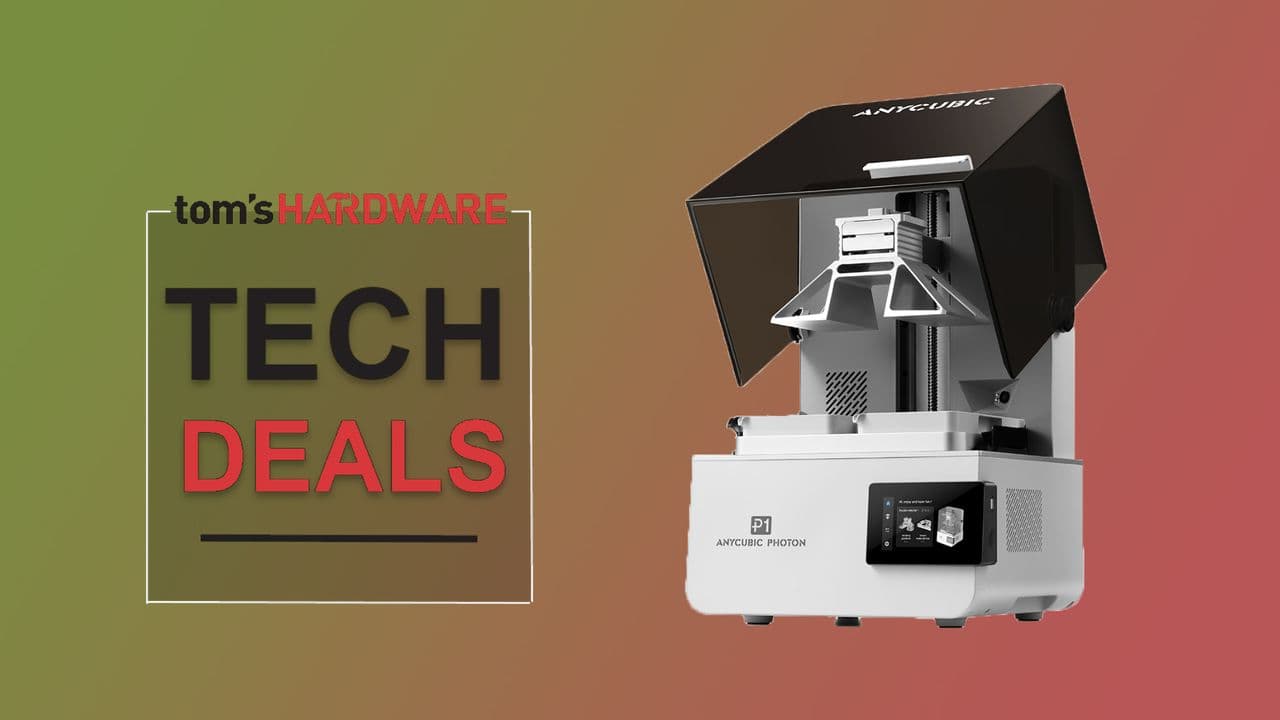
The Anycubic Photon P1 Is on Sale — And This Deal Is Hard to Ignore
If you've been thinking about getting into resin 3D printing but weren't sure where to start, this might be the moment you've been waiting for. The Anycubic Photon P1, one of the most talked-about resin 3D printers for beginners in recent years, is currently available for just $619.99 — a significant 36% discount from its regular retail price. Even better, the deal includes a dual-color material kit, giving you everything you need to start printing detailed, multi-toned models right out of the box.
Whether you're a hobbyist looking to bring miniature figures to life, a designer who wants rapid prototyping capabilities, or simply a curious creator who wants to explore what modern 3D printing can do, the Anycubic Photon P1 is widely regarded as one of the best entry points into the world of resin printing. Let's break down exactly what makes this printer so special — and why this deal is worth acting on quickly.
What Is the Anycubic Photon P1?
The Anycubic Photon P1 is a MSLA (Masked Stereolithography Apparatus) resin 3D printer designed with beginner-friendliness at its core, without sacrificing the print quality that more experienced users demand. It belongs to Anycubic's well-established Photon line, a series that has earned an enthusiastic following in the maker and hobbyist community over several years.
Unlike FDM (Fused Deposition Modeling) printers, which build objects layer by layer using melted filament, resin printers like the Photon P1 use UV light to cure liquid photopolymer resin into highly detailed solid objects. The result is dramatically smoother surfaces, finer detail resolution, and sharper edges — qualities that make resin printers particularly popular for miniatures, jewelry prototyping, dental models, and intricate figurines.
Key Features of the Anycubic Photon P1
- High-resolution LCD screen: The Photon P1 features a high-resolution mono LCD panel that delivers crisp, detailed prints with minimal layer lines. Mono LCDs also cure resin faster than older RGB screens, reducing print times significantly.
- Beginner-friendly setup: Anycubic has streamlined the leveling process and overall setup so that first-time users can get their first print going within minutes of unboxing.
- Dual-color material kit: The bundle includes resins in two different colors, letting you experiment with multi-tone printing from day one without any additional purchases.
- Quiet operation: Compared to many FDM printers, the Photon P1 operates relatively quietly, making it suitable for home studios, small offices, and shared workspaces.
- Reliable build platform: The textured build plate ensures prints adhere properly during the printing process and release cleanly once finished, reducing the frustration of failed prints that beginners often encounter.
- Award-winning design: The Photon P1 has received recognition from the 3D printing community and tech media for its balance of accessibility, print quality, and value — accolades that speak to its real-world performance.
Why This Deal Makes Sense for Beginners
One of the most common barriers to entering resin 3D printing is cost. Quality resin printers can easily run into the $800–$1,200 range when you factor in the printer itself, resin materials, wash-and-cure stations, and other accessories. At $619.99 with the dual-color material kit included, this bundle removes a meaningful portion of that financial barrier and gives you a complete starting package.
It's also worth noting that purchasing a bundled kit like this is significantly more economical than buying components separately. Anycubic's resin materials are formulated specifically for use with their printers, ensuring compatibility and optimal curing performance. Starting with manufacturer-recommended resins means fewer failed prints while you're learning the ropes.
For those who are new to the hobby, the learning curve with resin printing primarily involves understanding resin handling, safety (resins require gloves and proper ventilation), and post-processing — washing and curing your prints after they come off the build plate. None of these challenges are prohibitive, and the vibrant Anycubic community online offers guides, tutorials, and troubleshooting support to help newcomers every step of the way.
How the Anycubic Photon P1 Compares to the Competition
In the beginner resin printer market, the Anycubic Photon P1 competes with machines like the Elegoo Mars series and the Phrozen Sonic Mini line. While all of these are solid options, the Photon P1 distinguishes itself through its polished user experience, the strength of Anycubic's customer support, and the ecosystem of accessories and resins the company has built around the Photon line.
The inclusion of the dual-color material kit in this current deal also gives it an immediate practical edge over many competing bundles at a similar price point. Dual-color resin printing allows users to create models with contrasting tones — a feature that would otherwise require additional materials and experimentation to set up independently.
Tips for Getting Started with the Anycubic Photon P1
If you're new to resin printing, here are a few practical pointers to help you hit the ground running once your Photon P1 arrives.
- Set up in a ventilated area: Resin fumes can be irritating. Print in a room with good airflow, or consider an enclosure with a carbon filter.
- Always wear nitrile gloves: Uncured resin is a skin irritant. Make glove use a non-negotiable habit from your very first print.
- Invest in a wash-and-cure station early: Post-processing your prints properly makes an enormous difference in final quality. Anycubic's own Wash & Cure stations are designed to work seamlessly with the Photon line.
- Use slicer software with support auto-generation: Tools like Anycubic's own slicer or Chitubox can automatically add support structures to your models, which is essential for printing complex geometries successfully.
- Start with pre-tested print files: Anycubic and the broader community offer pre-sliced test files optimized for the Photon line. Running one of these first helps you confirm your setup is working correctly before you invest time in slicing your own models.
Should You Buy the Anycubic Photon P1 at This Price?
If resin 3D printing is something you've been curious about, the answer is almost certainly yes. The Anycubic Photon P1 is a legitimately excellent machine that has earned its award-winning reputation through consistent real-world performance. At 36% off with a dual-color material kit included, the $619.99 price point represents outstanding value for what you're getting.
Deals of this magnitude on quality hardware don't tend to stick around for long. If you've been sitting on the fence, this is a compelling reason to make the move. The combination of beginner accessibility, community support, print quality, and this current pricing makes the Anycubic Photon P1 one of the best buys in the resin 3D printing space right now.