
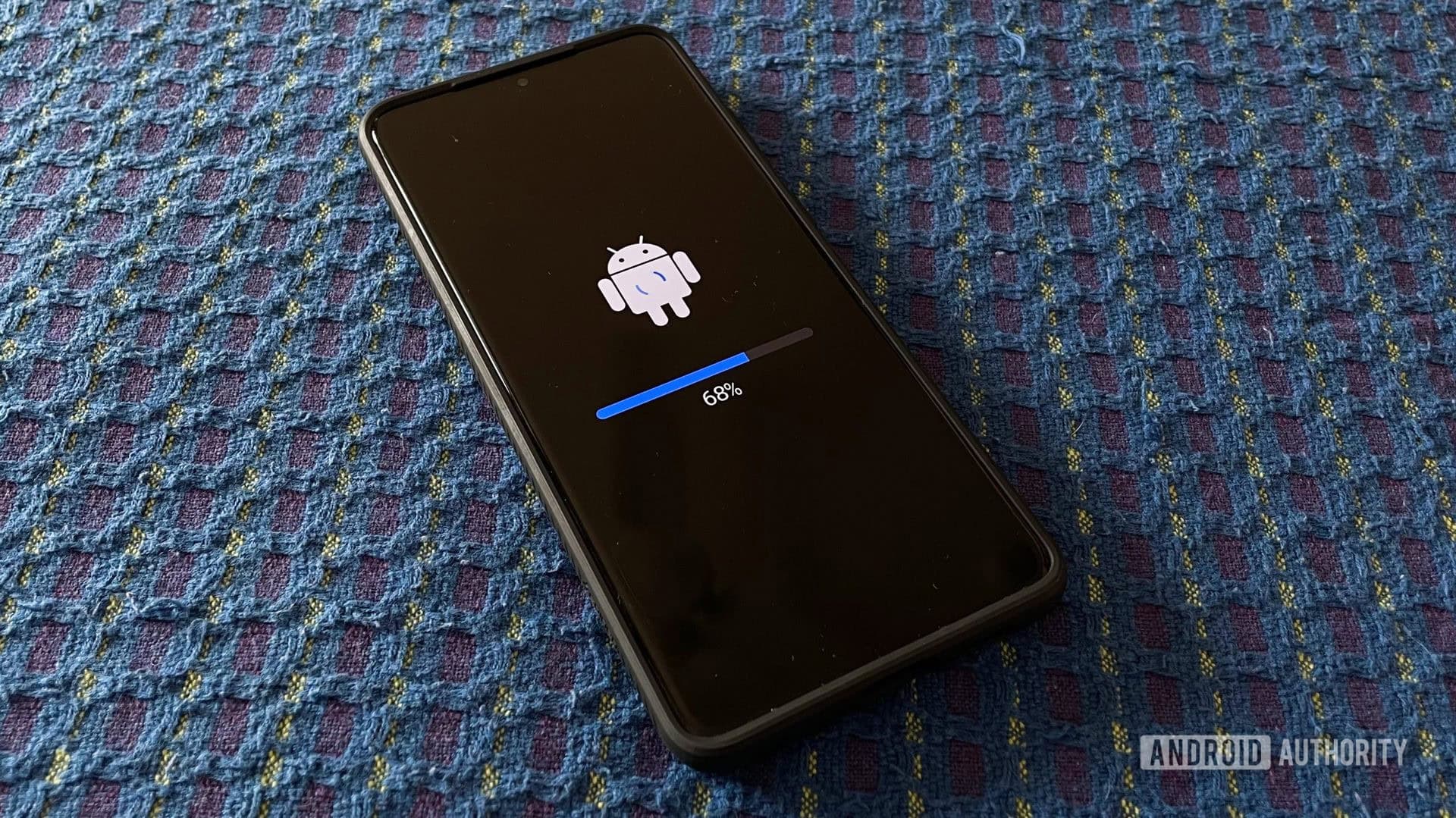
Why Keeping Google Services Updated on Your Samsung Phone Matters
If you own a Samsung Galaxy smartphone, there's a good chance some of the most important Google services running quietly in the background are overdue for an update. While most users focus on major Android OS upgrades or flashy new app features, the smaller, system-level Google service updates often go unnoticed — even though they carry enormous significance for performance, privacy, and security. Google has recently rolled out updates for several critical services on Android devices, including Samsung phones, and if you haven't checked your apps recently, now is the time to do it.
These aren't just routine patches. Some of the updates cover foundational services that your phone relies on to function safely and efficiently every single day. Ignoring them could leave your device vulnerable, affect app compatibility, or cause features you depend on to behave unexpectedly.
What Is Android System SafetyCore and Why Is It Being Updated?
One of the key services receiving an update is Android System SafetyCore. This is a system-level component introduced by Google to help classify sensitive content on-device — meaning the analysis happens locally on your phone rather than being sent to external servers. SafetyCore plays a role in features like Google Messages' Sensitive Content Warnings, which blurs potentially explicit images before you see them and gives you the choice of whether to view them.
The importance of updating SafetyCore cannot be overstated. As a privacy-preserving tool, keeping it current ensures that the on-device machine learning models it relies on remain accurate, efficient, and up to date with the latest threat patterns. An outdated SafetyCore may not correctly identify new types of sensitive content or could conflict with updated versions of the apps that depend on it. Samsung Galaxy users, in particular, should verify that this service is running its latest version through the Google Play Store.
Other Critical Google Services That May Need Updating on Samsung Devices
Beyond SafetyCore, several other core Google services and components are frequently updated through the Play Store without triggering obvious notifications. Samsung phone users should regularly check for updates on the following:
- Google Play Services: This is arguably the most important background service on any Android device. It enables core functionality like authentication, push notifications, location services, and much more. An outdated version can cause app crashes, sync failures, and even security vulnerabilities.
- Google Play Store: The app distribution platform itself receives regular updates. Keeping it current ensures you have access to the latest app discovery features, improved download performance, and updated security checks for apps you install.
- Android System WebView: This component powers the web content displayed inside countless apps. When it falls behind, web-based interfaces in apps like banking tools, social media platforms, and productivity software can break or display incorrectly.
- Google Chrome: Even if you use Samsung Internet as your primary browser, Chrome serves as a WebView provider on many devices and should be kept updated for compatibility and security reasons.
- Device Health Services: This service monitors battery health and usage data. Keeping it updated helps optimize battery life and ensures accurate reporting within Samsung's own battery management tools.
How to Check for and Install These Updates on Your Samsung Phone
Thankfully, updating Google services on a Samsung Galaxy device is straightforward, though it does require a few deliberate steps since these updates don't always install automatically or with visible notifications.
Update via the Google Play Store
Open the Google Play Store on your Samsung phone and tap your profile icon in the top-right corner. From there, navigate to "Manage apps and device," then select "Updates available." Scroll through the list to find any Google services or system components waiting to be updated. You can update them individually or tap "Update all" to install everything at once.
Check System App Updates Directly
Some system-level Google components like Android System SafetyCore or Google Play Services may not always surface prominently in the standard update list. You can search for them directly in the Play Store search bar, open their app pages, and see whether an "Update" button is available instead of the usual "Open" button.
Enable Automatic Updates
To avoid this situation in the future, consider enabling automatic app updates. In the Play Store, go to Settings, tap "Network preferences," and then select "Auto-update apps." Choosing to auto-update over Wi-Fi ensures your Google services stay current without eating into your mobile data.
The Security Case for Staying Up to Date
It's easy to treat these background service updates as low priority — they don't add new icons to your home screen or introduce exciting features. But from a security standpoint, they are often the most critical updates your phone receives. Many of these patches address vulnerabilities that malicious apps or bad actors could exploit to gain unauthorized access to your data or device functions.
Google regularly publishes security bulletins detailing what vulnerabilities have been patched in each update cycle. While the technical language can be dense, the bottom line is usually the same: outdated services create attack surfaces, and updated ones close them.
Don't Let Important Updates Sit Untouched
Samsung Galaxy phones come preloaded with a robust suite of Google services that quietly power much of what makes your daily smartphone experience seamless. Whether it's SafetyCore protecting you from unwanted content, Play Services keeping your apps synced and authenticated, or WebView rendering web content inside third-party apps, these components deserve the same attention you give to your flagship Samsung apps or the Android OS itself.
Take a few minutes today to open the Google Play Store, check what's waiting in your update queue, and make sure your Samsung phone is running the latest versions of every critical Google service. It's one of the simplest and most effective steps you can take to keep your device fast, stable, and secure.