
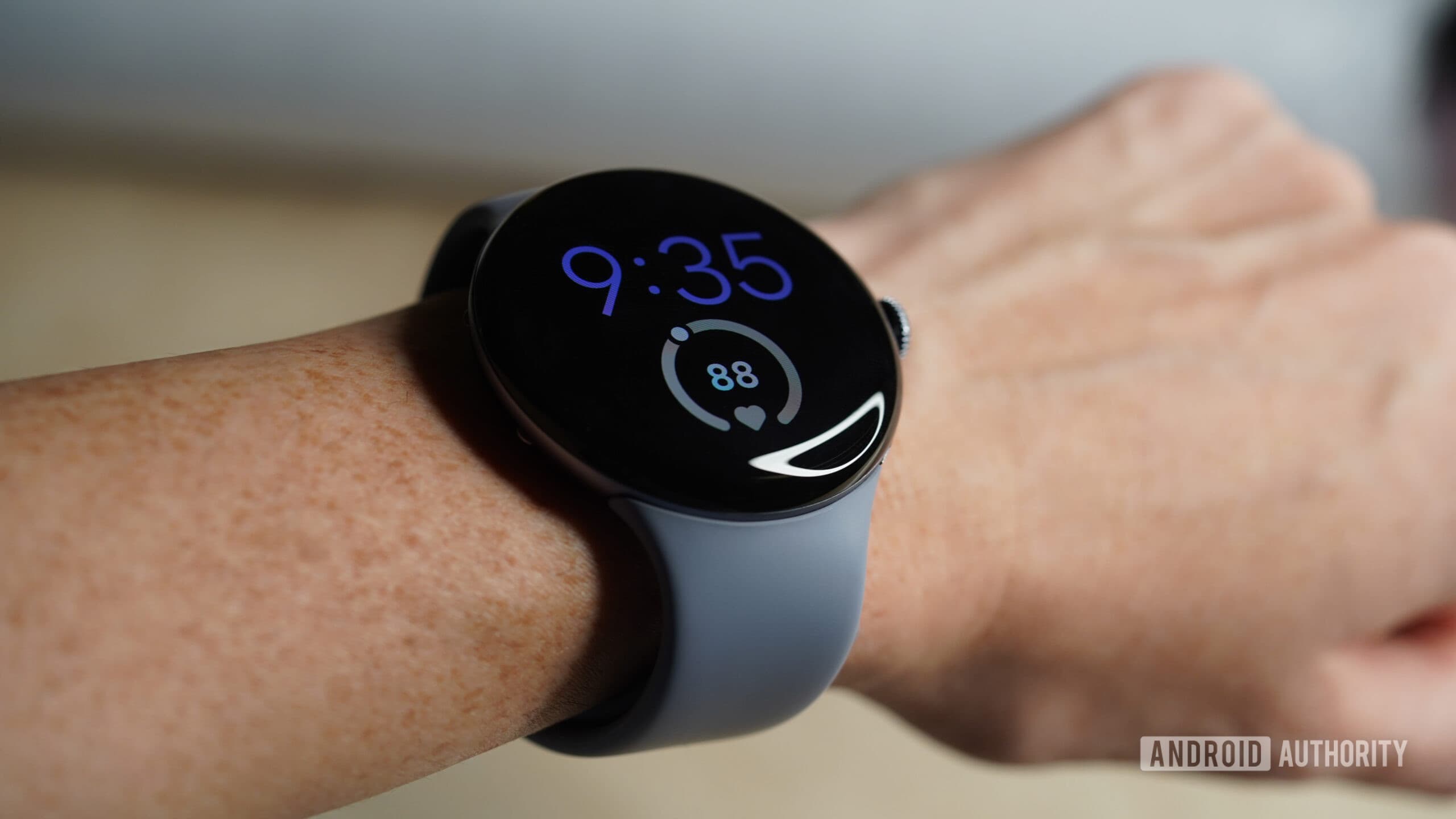
Google Rolls Out Emergency Sharing for Pixel Watches
Smartwatches have evolved far beyond simply telling the time or counting steps. Today, they serve as genuine lifelines on your wrist — and Google is doubling down on that mission with a powerful new Pixel Watch feature called Emergency Sharing. Designed to work hand-in-hand with the existing incident detection capabilities already baked into Pixel devices, Emergency Sharing ensures that the people who matter most to you are automatically notified the moment something goes seriously wrong.
Whether you are driving alone on an empty highway, hiking a remote trail, or simply going about your daily routine, Emergency Sharing adds a critical layer of protection that could one day make all the difference. Here is everything you need to know about how it works, what it does, and why it matters.
What Is Emergency Sharing on Pixel Watch?
Emergency Sharing is a new Google feature rolling out to compatible Pixel devices, including Pixel Watches. At its core, the feature is built to complement the watch's existing safety tools — most notably Car Crash Detection and Fall Detection. These features have been available on Pixel hardware for some time now, using a combination of sensors, accelerometers, and machine learning algorithms to identify when something serious may have happened to the wearer.
What Emergency Sharing adds to the equation is an automated notification system. When a severe incident is detected — such as a significant car collision or a hard fall — the watch does not just alert emergency services on your behalf. It also contacts a set of pre-selected trusted individuals from your personal network, keeping your inner circle informed in real time.
In short, Emergency Sharing bridges the gap between getting you help and making sure the people who love you know what is happening — all without you having to lift a finger.
How Does Emergency Sharing Work?
The workflow behind Emergency Sharing is designed to be as seamless and automatic as possible. Here is a step-by-step breakdown of how the feature operates when triggered:
- Incident Detection: The Pixel Watch's onboard sensors detect a qualifying emergency event, such as a car crash or a serious fall.
- Countdown and Alert: The device displays an alert and begins a short countdown, giving the user an opportunity to cancel if the detection was a false alarm.
- Emergency Services Contact: If the countdown completes without cancellation, the watch automatically contacts local emergency services on behalf of the user.
- Contact Notification: Simultaneously, Emergency Sharing sends notifications to the user's pre-selected emergency contacts, informing them that an incident has been detected and that help has been called.
The result is a fully coordinated emergency response that requires zero input from the person who may be injured or incapacitated. This is especially critical in scenarios where the wearer is unconscious or unable to operate their device.
Setting Up Your Emergency Contacts
For Emergency Sharing to function correctly, users must set up their preferred emergency contacts in advance. Google has made this process straightforward, allowing Pixel Watch owners to designate specific individuals — family members, close friends, or caregivers — who will receive alerts in the event of an emergency.
It is advisable to choose contacts who are likely to be reachable at any time of day and who live close enough to respond or coordinate help if necessary. Once contacts are configured, the system runs automatically in the background, requiring no further input until it is actually needed.
Car Crash Detection and Fall Detection: The Foundation of Pixel Safety
To fully appreciate Emergency Sharing, it helps to understand the underlying detection technologies it relies on. Google's Car Crash Detection uses the Pixel Watch's motion sensors and microphone to identify the audio and physical signatures of a serious vehicle collision. When these patterns are recognized, the feature springs into action.
Fall Detection, on the other hand, monitors the wearer's movement patterns for signs of a sudden, hard fall — the kind that could indicate a serious injury. This is particularly valuable for older adults, people with certain medical conditions, or anyone who engages in high-risk physical activities.
Both features have been refined over successive generations of Pixel hardware, and Emergency Sharing represents the next logical evolution: not just detecting an emergency, but ensuring that a response network is mobilized around the person in need.
Why Emergency Sharing Is a Game-Changer for Wearable Safety
The smartwatch safety space has become increasingly competitive, with Apple Watch's crash and fall detection features setting a high benchmark. Google's Emergency Sharing positions the Pixel Watch as a serious contender in this arena, and in some ways pushes the concept further by prioritizing your personal network alongside emergency services.
There are real-world scenarios where this dual approach is invaluable. Emergency dispatchers are trained professionals, but your spouse, parent, or best friend knowing simultaneously that something has happened can speed up on-the-ground response, provide emotional support during a frightening situation, and help coordinate care in the critical moments after an incident.
For people who live alone, work in physically demanding environments, or have loved ones who worry about their safety, Emergency Sharing offers genuine peace of mind — not just for the wearer, but for everyone in their life.
Availability and Compatibility
Google has confirmed that Emergency Sharing is being rolled out to Pixel devices, including the latest Pixel Watch lineup. As with many Google feature rollouts, availability may be gradual and could vary by region. Users are encouraged to keep their Wear OS and Pixel Watch software updated to ensure they receive the feature as soon as it becomes available in their area.
It is also worth noting that some Emergency Sharing and detection features may require an active cellular or Wi-Fi connection to fully function, so keeping your device connected is important for reliable operation.
Final Thoughts: A Smarter, Safer Pixel Watch Experience
Google's Emergency Sharing feature represents a meaningful step forward in making the Pixel Watch a true safety companion. By combining the power of Car Crash Detection and Fall Detection with automated contact notifications, the feature ensures that a crisis never has to be faced alone — even when you are physically unable to ask for help.
If you own a Pixel Watch, now is the time to configure your emergency contacts and make sure your software is up to date. It is a small investment of time that could, quite literally, save your life or the life of someone you love.