
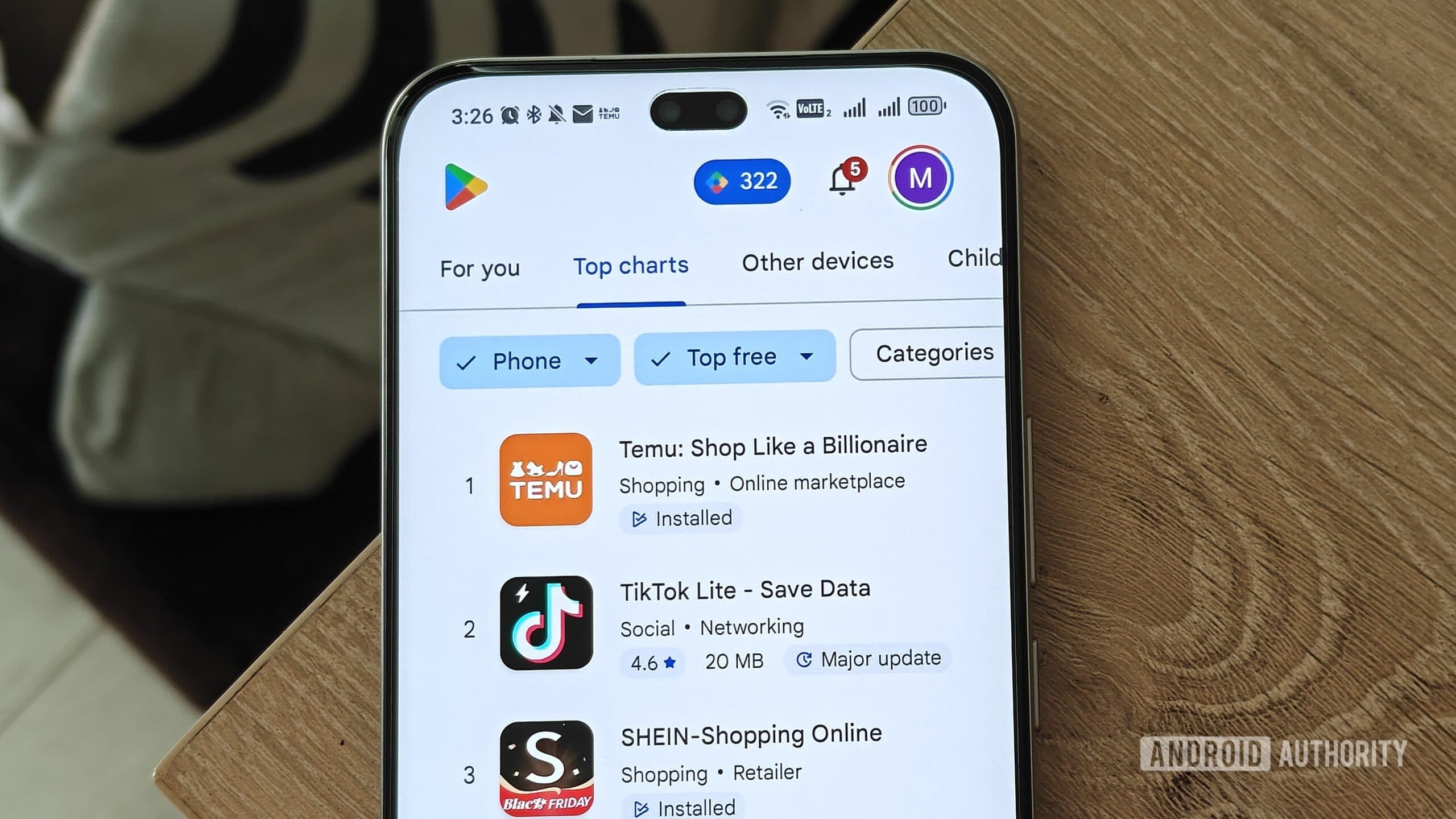
Don't Be Fooled by Download Numbers on the Play Store
When most people browse the Google Play Store looking for a new app, they tend to glance at two things: the star rating and the download count. An app boasting 50 million installs and four stars must be great, right? Not necessarily. As any seasoned Android expert will tell you, popularity is not the same as quality — and it is certainly not the same as safety.
The truth is that some of the most widely downloaded apps on the Play Store come with serious baggage. Whether it is aggressive data collection, poor security practices, or simply solving a problem that Android already handles natively, these apps can do more harm than good. Below, we break down five categories of popular Android apps that experts consistently warn against — and explain what you should do instead.
1. Free VPN Apps with Millions of Downloads
VPNs have surged in popularity over the past decade, and the Play Store is flooded with free options that promise military-grade encryption and total anonymity. Many of these apps boast tens of millions of downloads, which gives the impression of legitimacy. Do not be deceived.
Free VPN apps have to make money somehow, and far too often, that revenue comes from selling your browsing data to third-party advertisers — the very thing a VPN is supposed to protect you from. Independent audits of popular free VPNs have uncovered misleading privacy policies, data logging practices, and in some extreme cases, malware.
If you genuinely need a VPN, invest in a reputable paid service with a verified no-logs policy and independent security audits, such as Mullvad or ProtonVPN. If your goal is simply to access region-locked content occasionally, consider whether a VPN is truly necessary at all.
2. Antivirus and Security Apps
Android's security model is fundamentally different from that of a traditional desktop operating system. Apps run in sandboxed environments, the Play Store has its own built-in malware scanning through Google Play Protect, and the operating system itself receives regular security patches. This makes third-party antivirus apps largely redundant for the vast majority of users.
Despite this, antivirus apps remain some of the most downloaded tools on the Play Store. Many of these apps offer little genuine protection while consuming system resources, displaying intrusive ads, and — ironically — requesting sweeping permissions to your files, contacts, and location data that a security-focused app has no business asking for.
The best antivirus for Android is keeping your operating system and apps updated, downloading only from trusted sources, and enabling Google Play Protect. That is genuinely all most users need.
3. Caller ID and Spam Detection Apps
Spam calls are a genuine nuisance, and it is understandable why caller ID apps attract enormous download numbers. However, these apps operate by crowd-sourcing phone number data from their users — meaning when you install one, you are essentially handing over your entire contacts list to a third-party company.
Think about what that means. Every person whose number is stored in your phone, none of whom consented to being part of this database, has their information shared with a private company whose privacy practices may be far from transparent.
Android and many major carriers already offer built-in spam call filtering. Google's native Phone app, for instance, includes robust spam detection that works without surrendering your contacts. Use that instead.
4. Third-Party Password Managers with Questionable Track Records
Using a password manager is one of the smartest security decisions you can make. But not all password managers are created equal, and downloading a highly rated one from the Play Store without doing your homework can be a costly mistake.
Some popular password manager apps have suffered significant security breaches, implemented weak encryption standards, or used deceptive business practices such as locking users out of their own data behind sudden paywalls. The consequences of choosing the wrong password manager are far more severe than choosing the wrong photo editor.
Before committing to any password manager, check whether it has undergone third-party security audits, research its breach history, and verify that it uses end-to-end encryption with zero-knowledge architecture. Well-regarded options include Bitwarden, which is open-source and independently audited, and 1Password.
5. Battery Saver and RAM Cleaner Apps
This category might be the most unnecessary of them all. Battery optimizer and RAM cleaner apps are perennially popular on the Play Store, preying on users who notice their phone slowing down or their battery draining faster than expected.
Modern Android versions are extremely sophisticated when it comes to memory management. The operating system automatically kills background processes and manages RAM allocation in ways that third-party apps simply cannot improve upon. In fact, these so-called cleaner apps often make performance worse by interfering with Android's built-in optimization systems, while simultaneously running their own background processes and serving you ads.
If your phone's battery life is suffering, the smarter approach is to check your battery usage statistics in your device settings, identify which specific apps are draining power, and address those directly.
The Bottom Line: Download Smarter, Not More
A high download count is a signal that an app has been marketed well, not necessarily that it is safe, useful, or respectful of your privacy. Before installing any new app, take a few minutes to research the developer, read through the permissions it requests, and look for independent reviews beyond the Play Store's own rating system.
Android is a powerful, secure, and feature-rich operating system. In many cases, the best app for the job is already built right in — no download required.